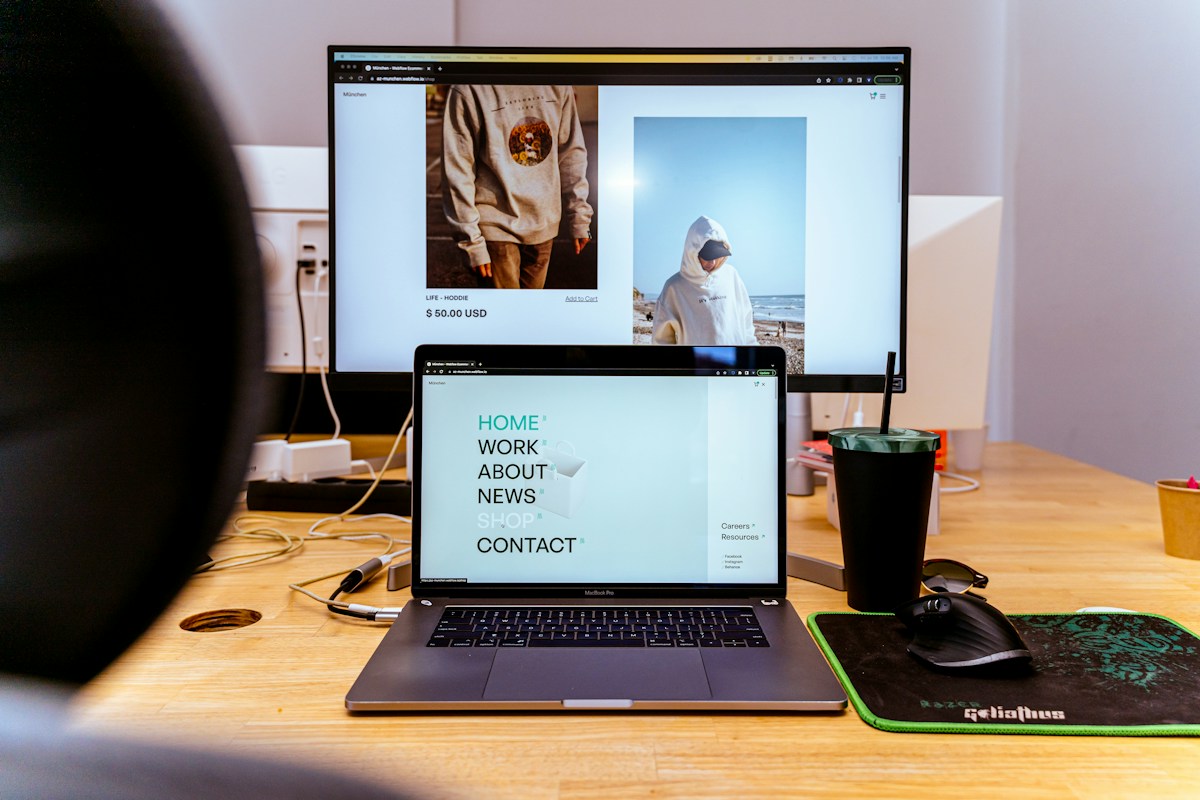
Can you really build a working website just by describing what you want? With ChatGPT Sites, you can create a website or lightweight interactive app without starting from a blank page or writing code yourself. That makes it an interesting option for small businesses, freelancers, community projects and anyone with an idea they'd like to test.
In this guide, I'll explain what ChatGPT Sites does, how to get started, and how to write a prompt that produces something genuinely useful.
What is ChatGPT Sites?
ChatGPT Sites is a website-building capability within ChatGPT. You describe the website you want in everyday language, and ChatGPT can build an interactive version that you can preview, refine and share. Rather than choosing a template and manually arranging every element, you begin by explaining your goal.
It can be especially useful for straightforward business websites, landing pages, internal resources, simple calculators and interactive prototypes. It is not a guarantee that every complex feature—such as payment processing, customer accounts or sensitive-data handling—is ready for production without extra configuration and testing.
Who could benefit from ChatGPT Sites?
Here are a few situations where I think it could be worth exploring:
- Local businesses: A simple service website with clear information and an enquiry route.
- Freelancers: A portfolio showing projects, testimonials and ways to get in touch.
- Creators: A searchable resource directory, link hub or small interactive tool.
- Charities and community groups: An information hub with events and helpful resources.
- Entrepreneurs: A private prototype to validate an idea before investing in a full website.
How to build your first website with ChatGPT Sites
1. Open ChatGPT Work
According to OpenAI's current documentation, ChatGPT Sites is available on eligible Plus, Pro and supported Business or Enterprise accounts. On the web, open Work; on the desktop app, use Work or Codex. Ask ChatGPT to create a website or mention @Sites. Access can vary by plan and workspace permissions.
2. Explain what the website needs to achieve
Don't begin with colours and fonts alone. Start with the visitor's goal. Should someone request a quote, read about your services, compare products, or find useful information? A clear purpose makes the first result much better.
3. Give ChatGPT a practical brief
Include the audience, required pages, content, visual direction, and what visitors should be able to do. Be clear about anything that must remain private or should not be published.
Copyable example prompt: Build a professional, mobile-friendly website for a local home improvement business in Suffolk. Include a homepage, services, frequently asked questions, an about section and a contact page. Use plain English, clear calls to action and a welcoming design. Add an enquiry form and explain what needs connecting before submissions can be received. Use original placeholder wording wherever business facts have not been supplied. Keep the site private for review, and do not publish it without my approval.
4. Review the website preview
Explore it as a visitor. Check navigation, spelling, mobile presentation, calls to action and whether the website answers the customer's questions. Ask for changes in plain language: “Make the contact button easier to see”, “Shorten the introduction” or “Add an FAQ section about pricing”.
5. Test before you share
Click every link and button. Submit test forms where the connected services allow it. Check any calculators with known figures, confirm accessibility basics such as descriptive labels and sufficient contrast, and ensure you have permission to use the images and text. If your site handles personal information, review privacy and data protection arrangements before launching.
6. Choose who can access the site
ChatGPT Sites supports private review and sharing options, with public access where enabled. A deployment creates a live production URL, so check access settings carefully. You can also connect a domain that you already own by configuring its DNS records. Save a version and review changes before deploying an update.
Five useful ChatGPT Sites website ideas
1. A local service landing page
Prompt: Create a one-page website for a local cleaning business. Include services, areas covered, reasons to choose the business and a prominent quote enquiry button. Make it mobile-friendly and use clear placeholder content for any details not provided.
2. A simple budget calculator
Prompt: Build an interactive household budget website where visitors enter monthly income and spending across common categories. Show a total and remaining balance. Keep calculations transparent and allow people to clear their inputs. Do not store personal financial information.
3. A portfolio for a freelancer
Prompt: Build a modern portfolio website for a freelance photographer. Include an introduction, project gallery, service descriptions, testimonials section and an enquiry call to action. Make sure images can be replaced easily and use placeholders instead of invented reviews.
4. A searchable resource library
Prompt: Create a private, searchable resource library with categories, filters and a copy-to-clipboard button for each resource. Include example content and a clear empty-search message. Make it easy to expand the directory in the future.
5. A community information hub
Prompt: Build a friendly information website for a local community project. Include opening information, directions, upcoming activities, volunteering details and a contact section. Keep facts editable and do not invent event dates or contact details.
Does ChatGPT Sites replace traditional website builders?
Not necessarily. The best tool depends on what you want to achieve. ChatGPT Sites can be a fast way to create and test a website or a lightweight app. A platform such as Tekmatix may be more appropriate when your priority is integrating lead forms, CRM records, follow-up automations and ongoing marketing workflows.
There is also nothing wrong with using both: prototype an idea first, then decide where the long-term website and business processes should live.
What does ChatGPT Sites cost?
At the time of writing, OpenAI says Sites hosting is included for eligible ChatGPT Plus and Pro subscribers, while building and editing uses Codex usage allowances. Hosting and usage limits can still apply, and availability and billing rules can change. Check OpenAI's official Sites guide for current eligibility and limits before relying on it for a commercial project.
Don't forget SEO and website essentials
An attractive AI-built website is only the beginning. Before promoting it, review the page title, meta description, heading structure, readable URLs, original content, internal links, image alt text and mobile experience. Also check whether search engines can access the pages you want indexed. Where relevant, have appropriate privacy information, consent arrangements and working contact methods.
AI can help draft the content and structure, but you should review every claim, test every important feature and make sure the finished site reflects your actual business.
My thoughts: start with one useful website
What interests me most about ChatGPT Sites is the opportunity to test an idea without spending days learning how to code. You can go from a description to a working prototype, see what needs improving and decide whether it is worth taking further.
If you're new to AI website building, start with something manageable: a service page, useful calculator, portfolio or resource hub. Keep the first version focused, test it thoroughly and improve it based on real feedback.
For more practical ideas on AI, websites, marketing and online business, explore the Marketing by Spencer blog.
Further reading: Will Francis's guide to ChatGPT Sites, which inspired the topic of this original article.
Created by Spencer Rayner.